

Sandwich Vision · iPhone
Phonograph is for the record store.
Point your phone at a jacket in the bin and tap. Phonograph reads the cover, finds the album, and starts side one while you keep flipping. No typing, no searching, no squinting at catalog numbers.
Coming soon to the App Store
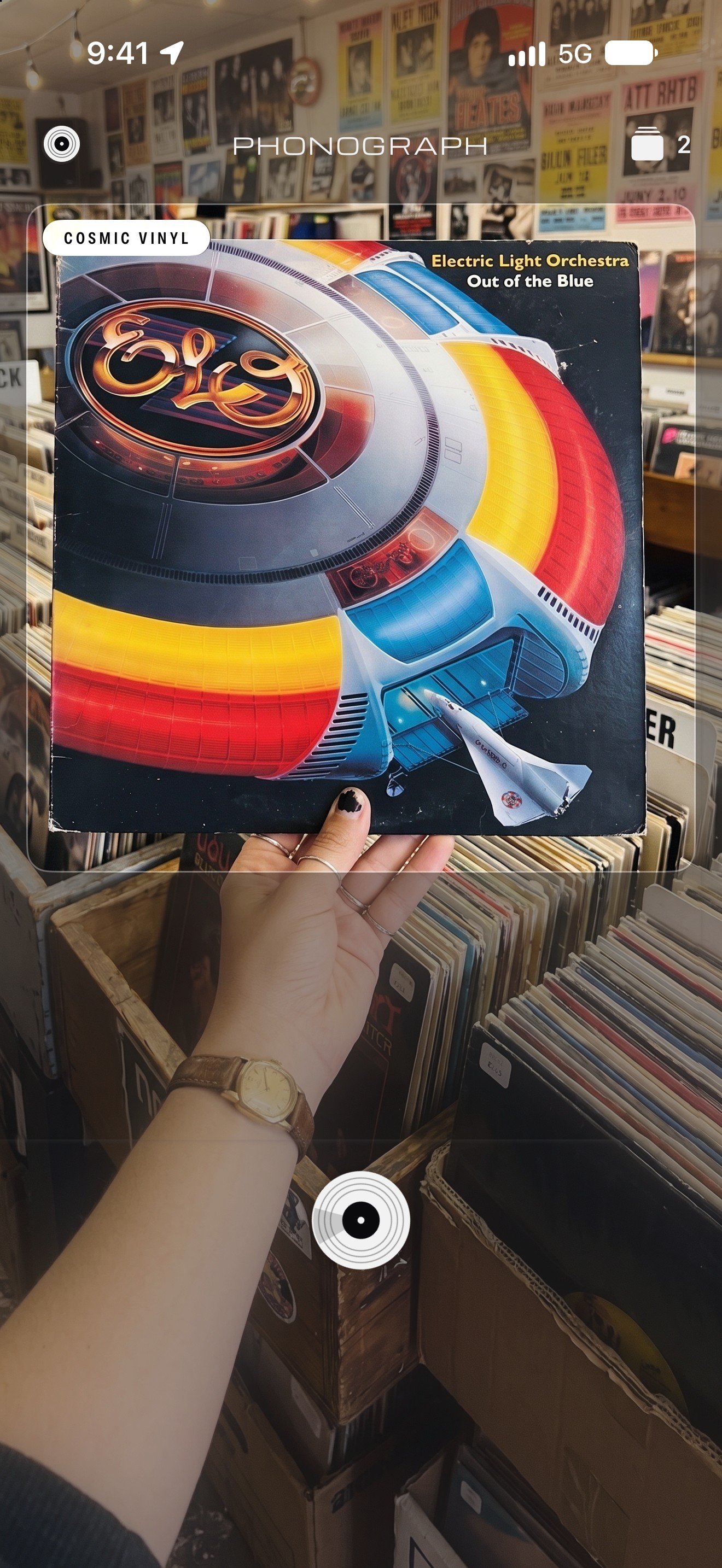
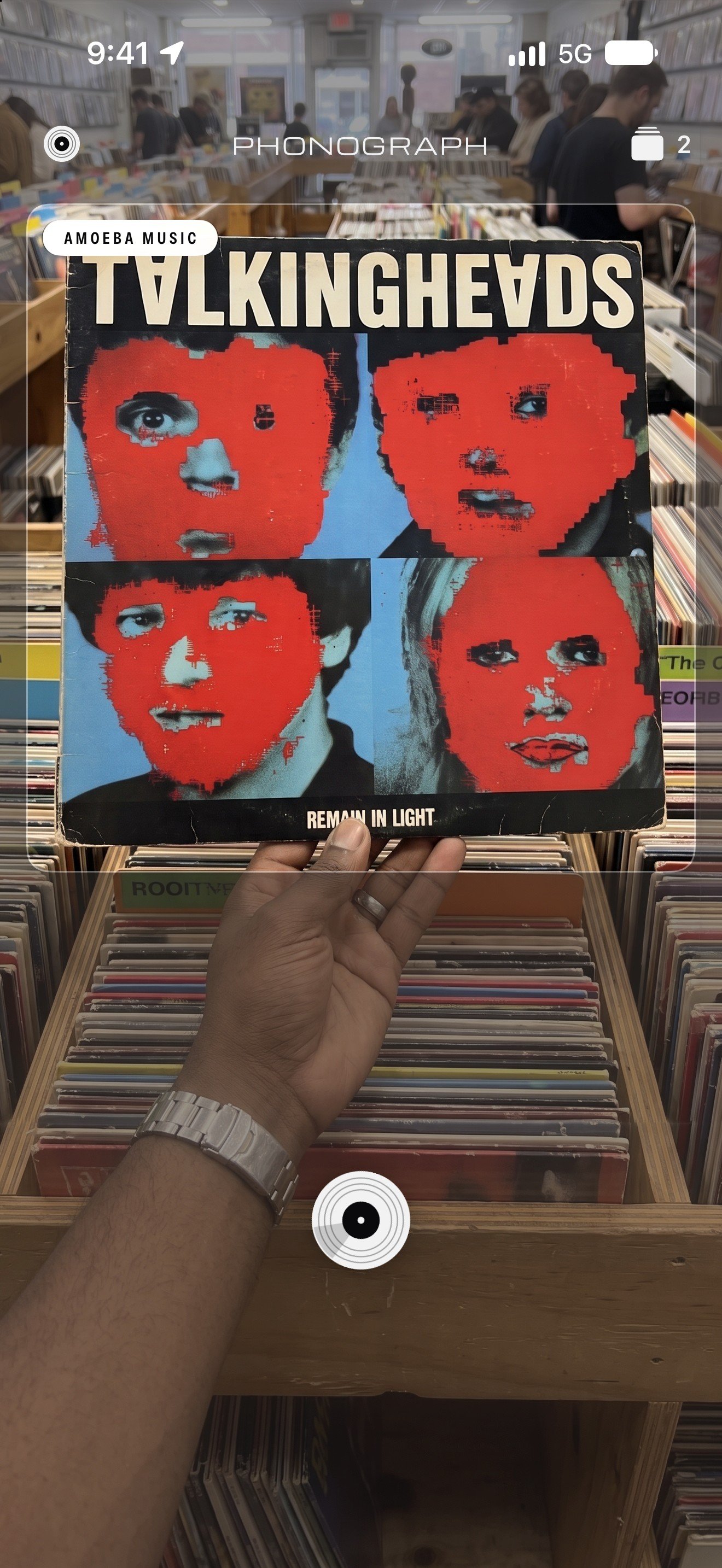
Hear it before you buy it
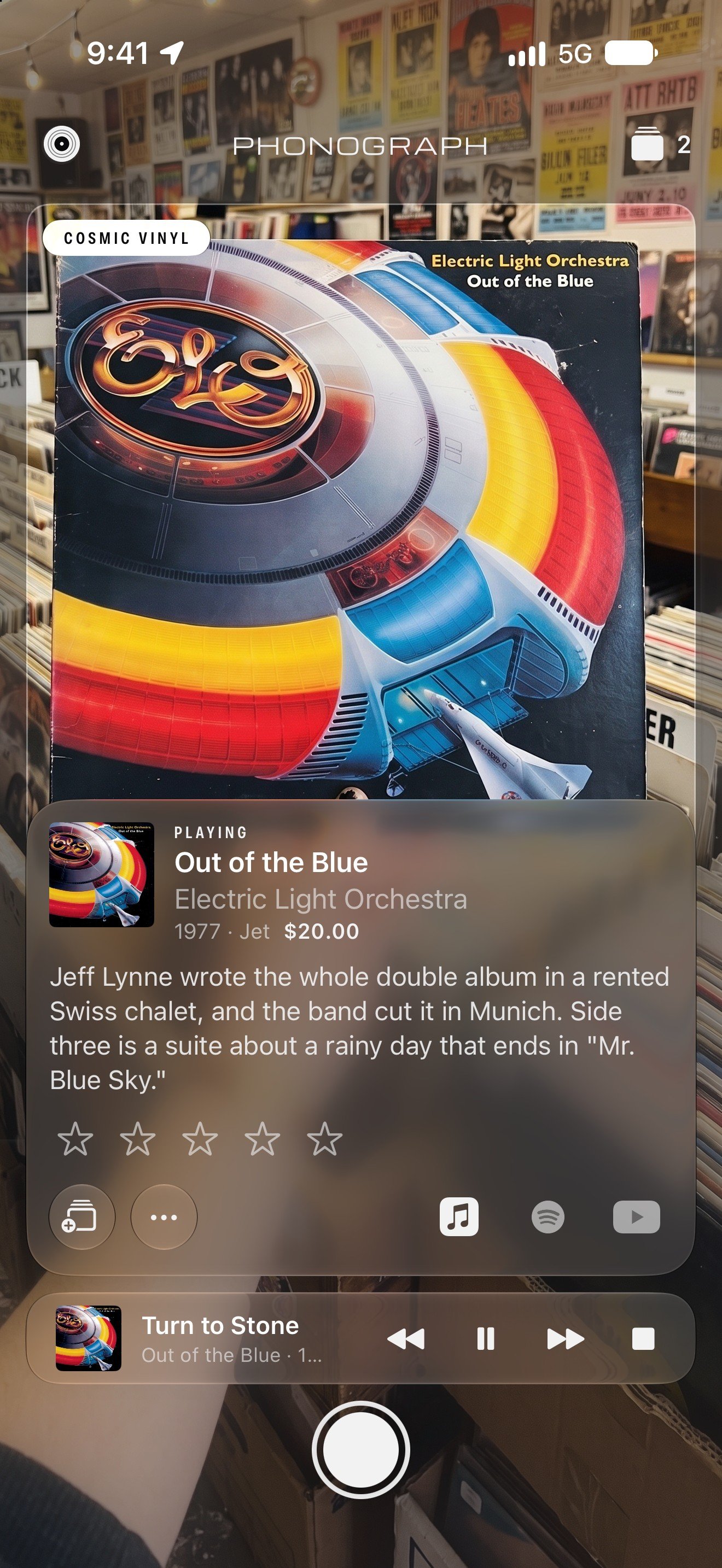
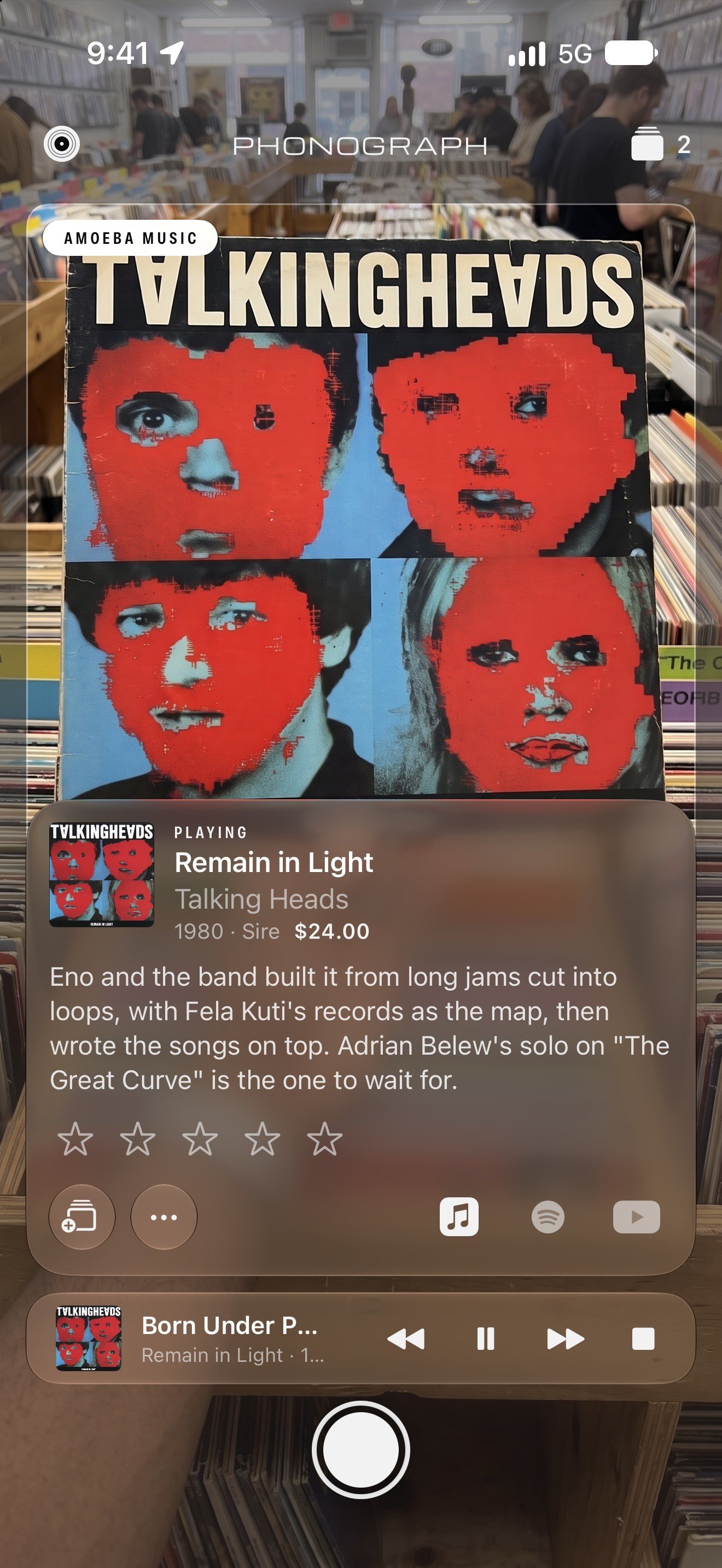
Scans play right away in Apple Music or Spotify, or open on YouTube. Full albums need an Apple Music or Spotify subscription; without one, Phonograph finds the record on YouTube.
A note on each record
Each record gets a few lines on who made it, when, and why it's worth hearing. Handy when you've never seen the cover before.
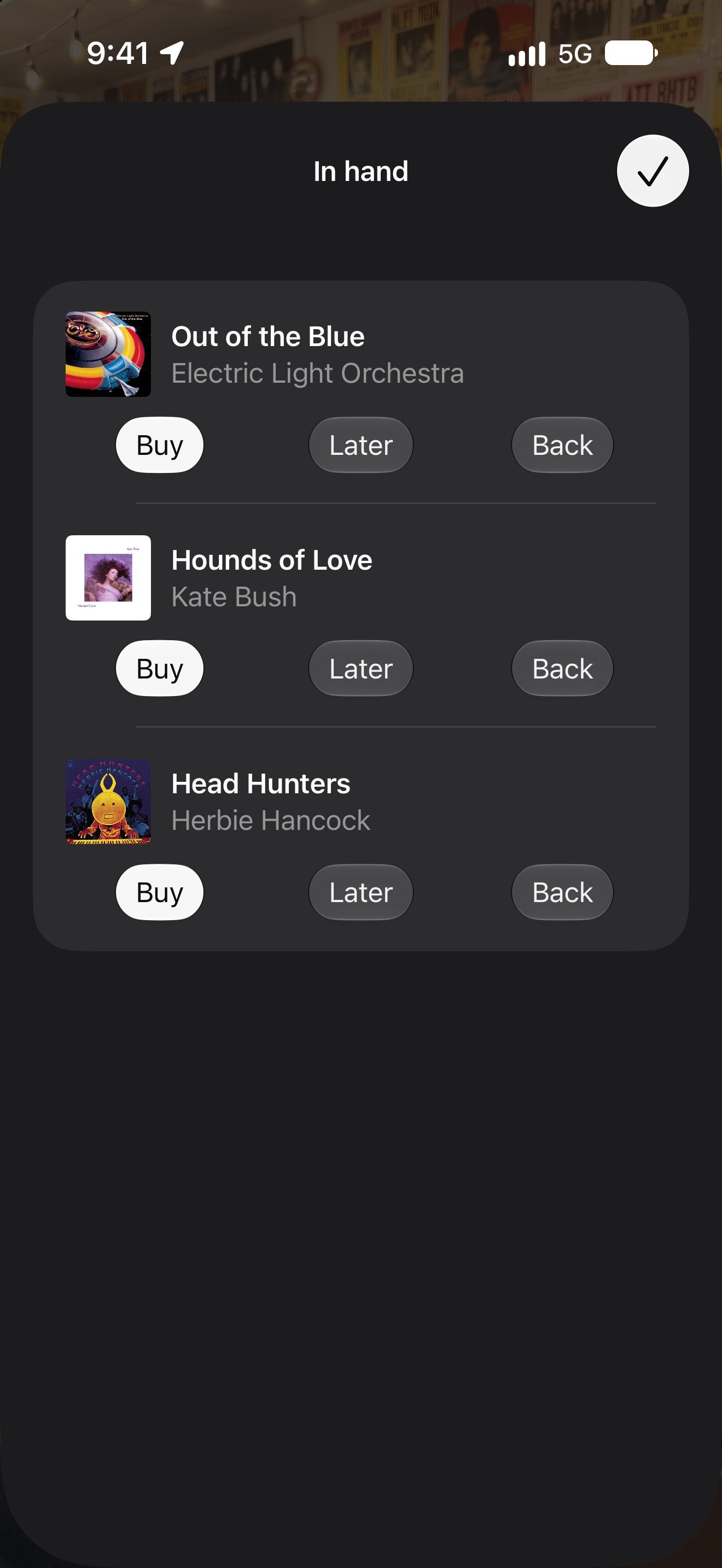
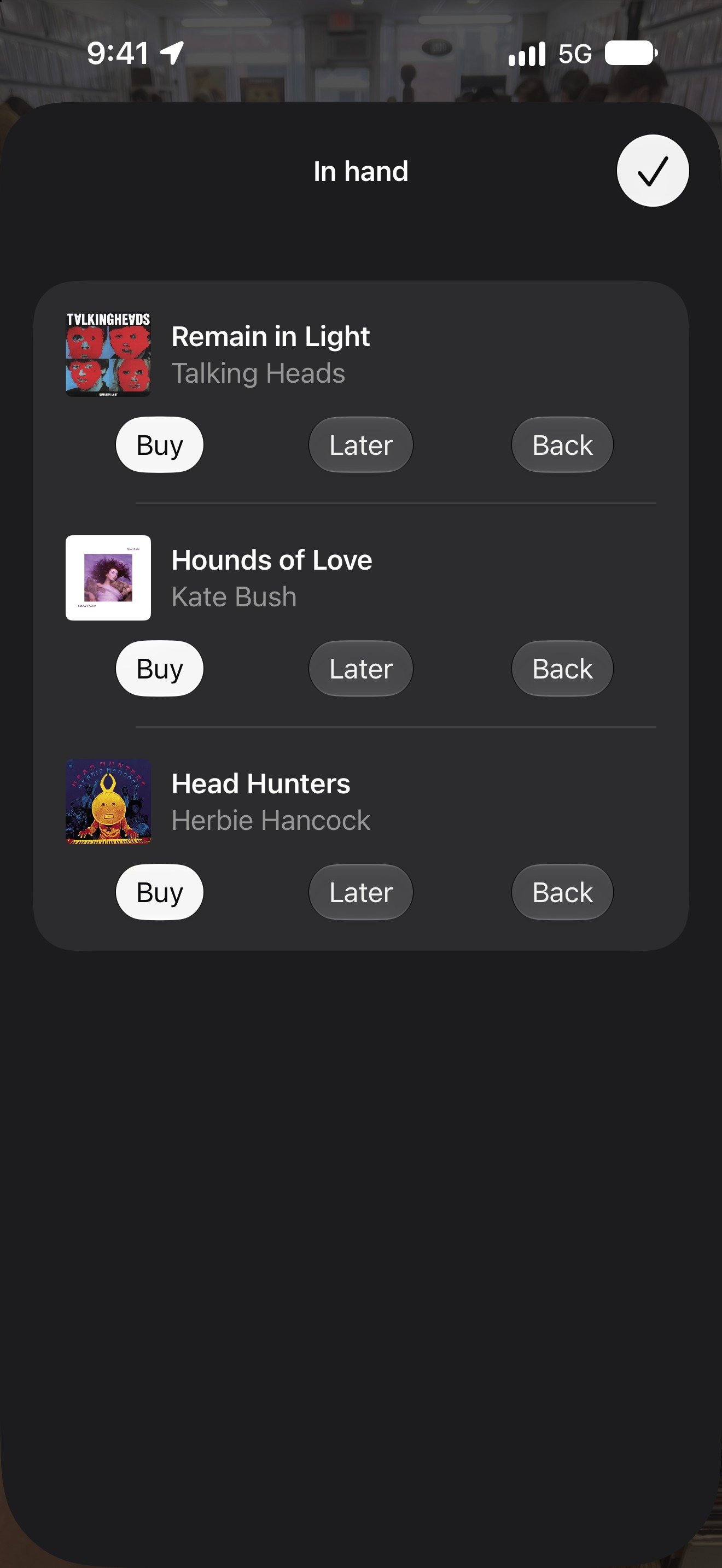
In hand
Stack the maybes as you go. At the register, decide: Buy, Later, or Back. Either way it stays in your records.
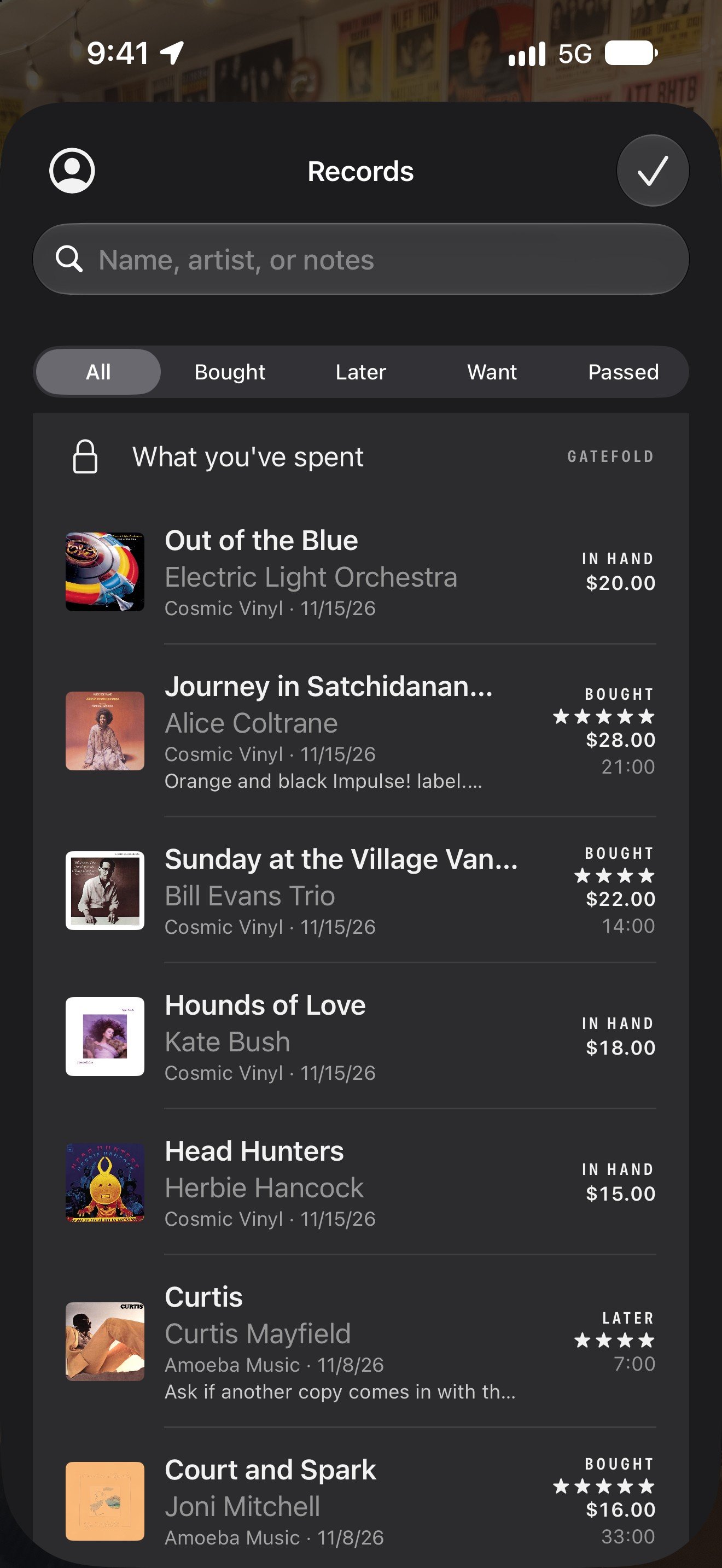
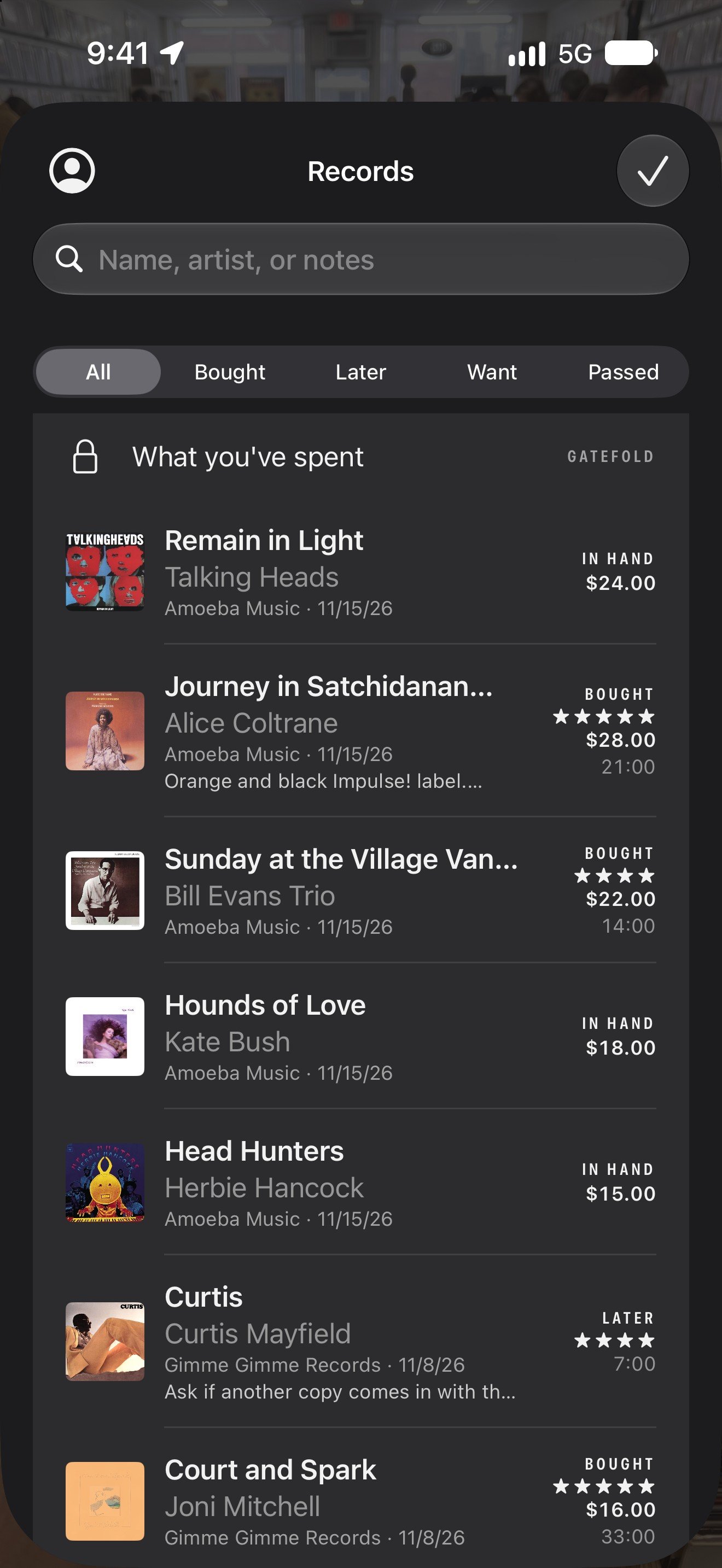
Your records
The shop, the day, what you paid, your stars, and your own notes. Phonograph uses your location to file each record under the shop you're in.
Support
Questions
- It read the wrong record.
- Tap the ••• button on the record (or tap the record in Records), choose Wrong record, and search for the right one.
- It found the record but won't play it.
- Full albums need an Apple Music or Spotify subscription. Without one, Phonograph opens the record on YouTube. Choose where records play from the account menu in Records.
- I can upgrade to something called “Gatefold”. What do I get?
- Free includes 50 scans a month, your records, stars, notes, and the note on each record. Gatefold adds unlimited scans and a running tally of what you've spent, by month and by shop. $29.99 a year or $4.99 a month. If you hit 50 on Free, your records stay open, and new scans pick back up next month.
- How do I cancel Gatefold?
- In Phonograph, open Records, tap the account menu, then Manage Gatefold. If you subscribed in the app, you can also cancel in Settings on your iPhone: tap your name, then Subscriptions.
- Does Gatefold carry over to a new phone?
- Yes. Gatefold belongs to your account, so sign in with the same email and it comes with you, along with your records.
Something else? Email support@sandwich.vision.